
Chapter 3 - Visual Programming using MiROS
IN THIS LESSON
You will learn how to launch and set up MiROS.
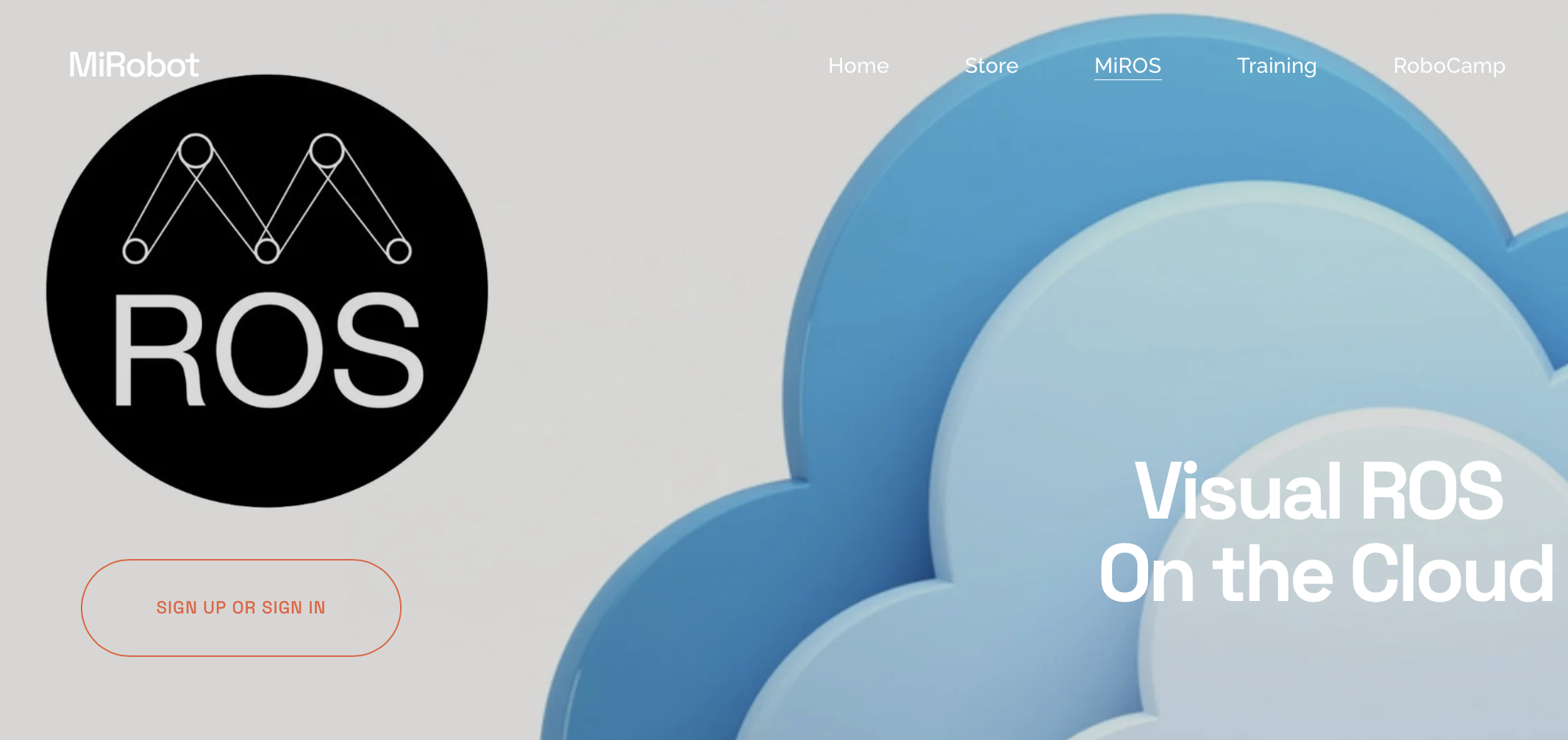
To start your journey on Visual Programming with MiROS, visit the below website:
Click the “Sign Up or Sign In” button to start.
Alternatively, you can visit the below URL to start:
https://miros.web.app/
SETUP TIPS #1
Download Google Chrome
Chrome is tested to be the most compatible and stable web browser across Linux, Mac and Windows platform for MiROS Cloud.
To install Google Chrome, visit:
Install SSH Proxy & Agent
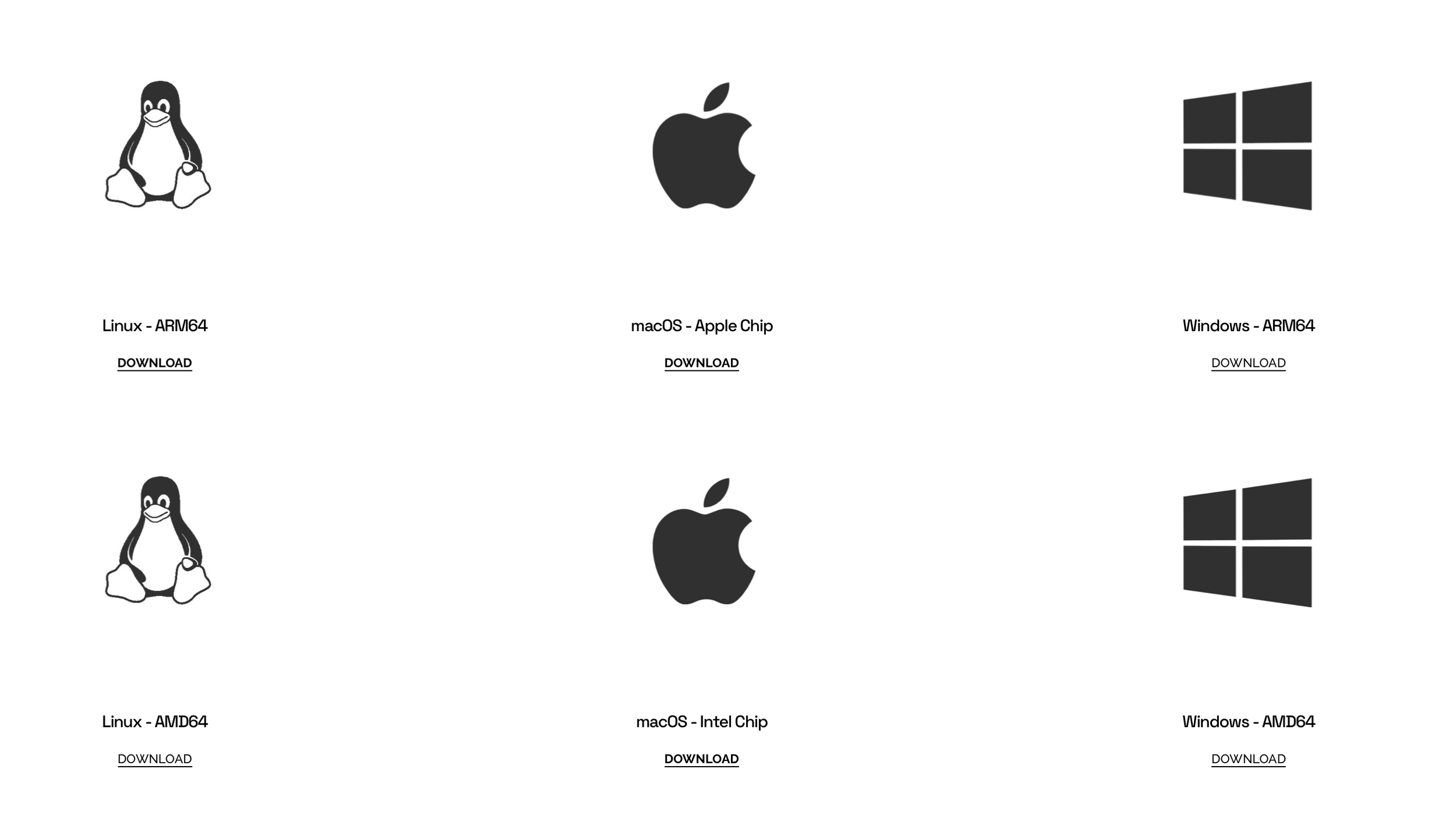
MiROS is 100% Cloud-based. Why do I still need to install MiROS SSH Proxy and MiROS Agent? In fact, the MiROS SSH Proxy and MiROS Agent are small programs to ensure safe and consistent SSH connections between MiROS Cloud and your robot. Please restart your computer once you have installed MiROS SSH Proxy. After successful installation, MiROS SSH Proxy will start to run at the background every time you power your computer.
To install MiROS SSH Proxy and Agent, click the below URL:
SETUP TIPS #2
-
Add a short summary or a list of helpful resources here.