
Desktop Robot Arms vs Industrial Robot Arms: Which Is Right for You?
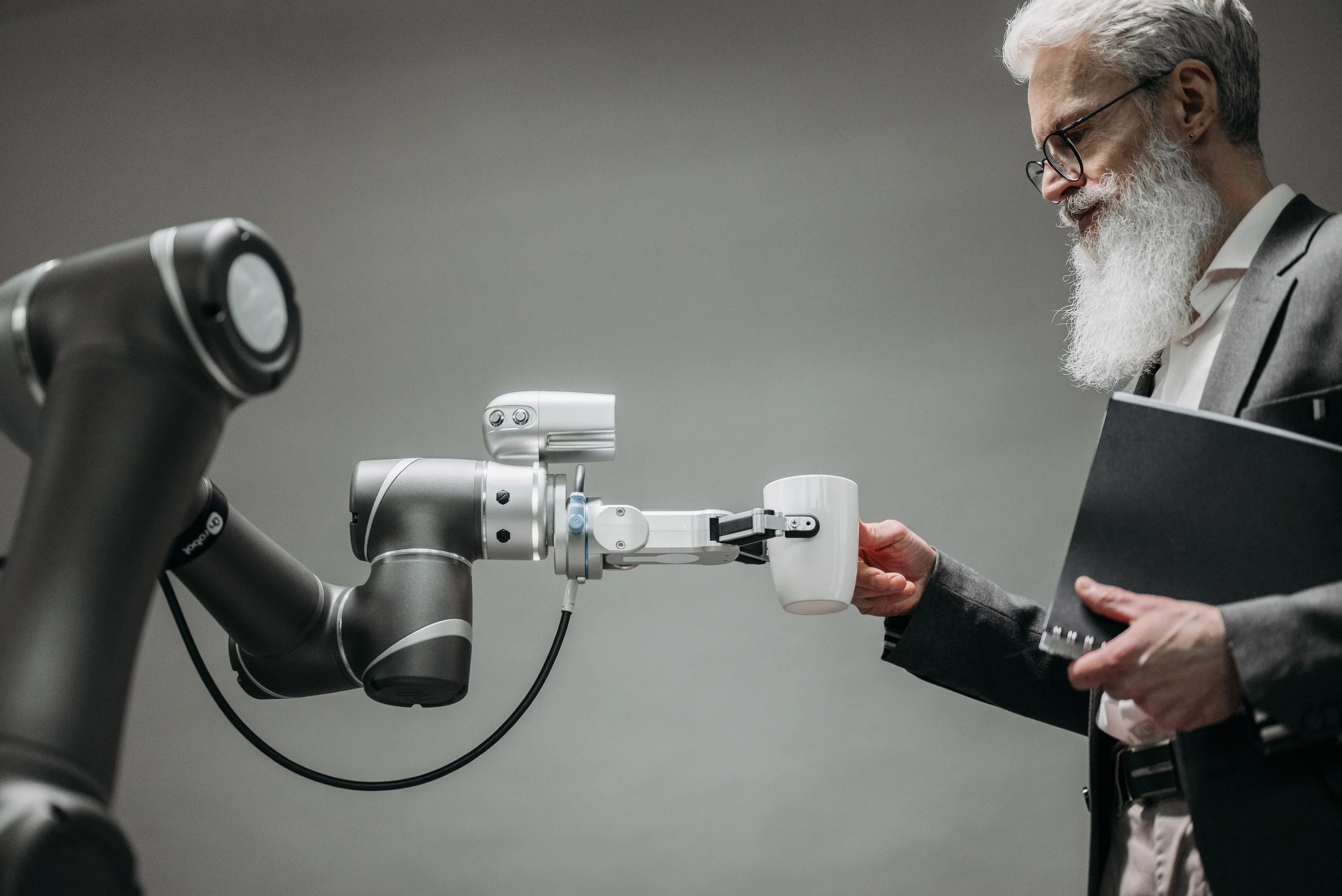
Automation is no longer reserved for massive factories with million-dollar production lines. Thanks to advancements in robotics, organizations of all sizes—from startups and universities to manufacturers and research labs—can now benefit from robotic automation. But one question often arises before making an investment:
Should you choose a desktop robotic arm or an industrial robot arm?
While both types of robot arm systems automate repetitive tasks, they are designed for different environments, budgets, and performance requirements. Understanding these differences will help you select the right solution for your needs while maximizing your return on investment.
In this guide, we'll compare desktop robotic arms and industrial robotics across cost, capabilities, ease of use, and business applications.
What Is a Desktop Robotic Arm?
A desktop robotic arm is a compact, lightweight robotic manipulator designed for education, research, AI development, prototyping, and light-duty automation. Unlike traditional industrial robots, desktop models can sit on a desk or workbench without requiring extensive safety infrastructure or specialized installation.
Modern desktop robotic arms often include:
Multiple degrees of freedom (typically 4–7 axes)
Vision system compatibility
ROS (Robot Operating System) support
AI and machine learning integration
Open-source programming options
Compact footprint
For example, MiRobot offers solutions like the myCobot Nano for robotics education and the Unitree Z1 Pro, a lightweight robot arm that can operate on a desktop or integrate with autonomous mobile robots (AMRs).
What Is an Industrial Robot Arm?
Industrial robot arms are designed for continuous, high-volume manufacturing environments. These robots typically perform tasks such as:
Welding
Assembly
CNC machine tending
Heavy pick-and-place
Packaging
Palletizing
Painting
Material handling
Industrial robotics prioritize:
High payload capacity
Exceptional repeatability
24/7 reliability
Long operating life
Factory integration
Industrial safety compliance
These systems very often require professional installation, programming, and dedicated safety equipment.
Desktop Robot Arm vs Industrial Robot Arm
Feature
Desktop Robotic Arm
Industrial Robot Arm
Size
Compact
Large
Payload
Light (grams to a few kilograms)
Heavy (5–500+ kg)
Cost
Affordable
Significant investment
Installation
Plug-and-play
Professional installation
Programming
Beginner-friendly
Advanced programming
Safety
Collaborative, lower risk
Requires safety systems
Workspace
Office, lab, classroom
Factory floor
Best For
Education, R&D, AI, prototyping
Manufacturing, production
Cost Comparison
Budget is often the biggest deciding factor.
Desktop Robotic Arms
Desktop systems provide an accessible entry into robotics.
Advantages include:
Lower initial investment
Minimal installation costs
Reduced maintenance
Lower power consumption
No expensive production infrastructure
Many organizations begin their automation journey with desktop robots before expanding into larger robotic systems.
MiRobot's desktop lineup includes options ranging from educational robots like myCobot Nano to advanced research platforms such as the Unitree Z1 Pro, making robotics accessible for students, developers, and R&D teams.
Industrial Robotics
Industrial robot arms involve considerably higher total ownership costs because organizations typically invest in:
Robot controller
Safety fencing
Vision systems
Conveyor integration
Programming services
Installation
Maintenance contracts
Although the investment is larger, industrial robots often generate significant productivity gains in high-volume manufacturing.
Features Comparison
Desktop Robotic Arms
Today's desktop robots offer surprisingly advanced functionality.
Common features include:
6 or 7-axis movement
AI development support
ROS compatibility
Camera integration
Force control
Simulation software
Python programming
Machine learning experimentation
Many researchers use desktop robotic arms to develop AI algorithms before deploying them on larger industrial systems.
MiRobot's robots emphasize ROS compatibility and open development environments, making them particularly attractive for universities, robotics researchers, and AI developers.
Industrial Robot Arms
Industrial systems focus on production performance.
Typical features include:
High-speed motion
Heavy payloads
Micron-level repeatability
Industrial networking
PLC integration
Multi-shift operation
Large work envelopes
Advanced production automation
These robots are optimized for reliability rather than experimentation.
Learning Curve
Desktop Robotic Arm
Desktop robots are designed for learning.
Users can quickly become productive thanks to:
Visual programming
Python APIs
ROS tutorials
Educational documentation
Compact workspaces
Safe testing environments
This makes them ideal for:
Students
Universities
Robotics clubs
AI researchers
Software developers
Startup engineering teams
Industrial Robotics
Industrial robot programming is more specialized.
Operators often require training in:
Robot teach pendants
Motion programming
PLC integration
Factory safety
Production optimization
Industrial communication protocols
The learning curve is significantly steeper compared to desktop systems.
Business Applications
Best Uses for Desktop Robotic Arms
Desktop robotic arms excel in environments where flexibility and experimentation matter more than production speed.
Ideal applications include:
Robotics education
AI research
Machine vision development
Product prototyping
University laboratories
Research institutions
Software testing
Human-robot interaction studies
STEM programs
Light pick-and-place demonstrations
Because they occupy very little space, they are excellent for offices and laboratories where full industrial robots are impractical.
Best Uses for Industrial Robotics
Industrial robot arms shine in production environments.
Common applications include:
Automotive manufacturing
Electronics assembly
Food packaging
Pharmaceutical production
Welding
Palletizing
Machine tending
Injection molding
Logistics
Warehouse automation
These robots maximize throughput and minimize labor costs over long production cycles.
Which Robot Arm Should You Choose?
The right solution depends on your objectives.
Choose a desktop robotic arm if you want to:
Learn robotics
Teach STEM education
Develop AI applications
Prototype automation ideas
Conduct university research
Experiment with ROS
Build machine vision projects
Choose an industrial robot arm if you need to:
Automate production
Increase manufacturing throughput
Handle heavy payloads
Operate continuously
Integrate into factory automation
Scale industrial operations
Why Choose MiRobot?
MiRobot bridges the gap between education, research, and commercial robotics by offering desktop robotic platforms that are both accessible and capable. Products such as the myCobot Nano provide an affordable introduction to robotics, while advanced solutions like the Unitree Z1 Pro deliver high precision, collision protection, and the flexibility to operate as either a desktop robot or as part of a mobile robotic platform. The company's focus on ROS compatibility, AI development, and open programming environments makes its solutions ideal for universities, developers, startups, and research organizations. (mirobot.ai)
Final Thoughts
The choice between a desktop robotic arm and an industrial robot arm ultimately comes down to your goals, budget, and operating environment.
If you're building production lines that run around the clock, industrial robotics provides the durability, payload capacity, and performance required for large-scale manufacturing.
However, if your focus is education, research, AI development, product prototyping, or learning robotics, a desktop robotic arm offers exceptional value, flexibility, and ease of use—without the complexity and expense of industrial automation.
As robotics continues to become more affordable and accessible, desktop robotic arms are increasingly serving as the first step toward smarter automation, enabling organizations to innovate before scaling into full industrial robotics solutions.
FAQ
Can a desktop robotic arm replace an industrial robot?
No. Desktop robotic arms are designed for education, research, prototyping, and light-duty automation, while industrial robots are built for continuous, high-volume production.
Are desktop robotic arms suitable for AI development?
Yes. Many desktop robotic arms support ROS, Python, computer vision, and machine learning frameworks, making them ideal for AI research and experimentation.
Is a desktop robotic arm good for small businesses?
Absolutely. Small businesses can use desktop robotic arms for prototyping, testing workflows, quality inspection, and light automation before investing in larger industrial robotics systems.